If you’re building your own business as a solopreneur, having the right mix of digital and physical tools can make daily work smoother and keep you focused on results instead of getting lost in busywork. Over the years, I’ve found that a handful of tools make a positive difference in almost any field, from coaching to consulting or running an online shop. Here, I’ll lay out the essentials that help a solo operator work smarter, enjoy the process more, and actually get solid outcomes.
Why Solopreneurs Need a Balanced Toolkit
For those running a solo business, being the marketing department, financial planner, content creator, and tech support is just part of an average day. Every task you handle—whether it’s drafting marketing emails, keeping receipts, or tracking sales—comes with different needs and challenges. I’ve learned firsthand that choosing the right set of tools makes a big difference when it comes to staying productive, keeping stress low, and not missing key opportunities.
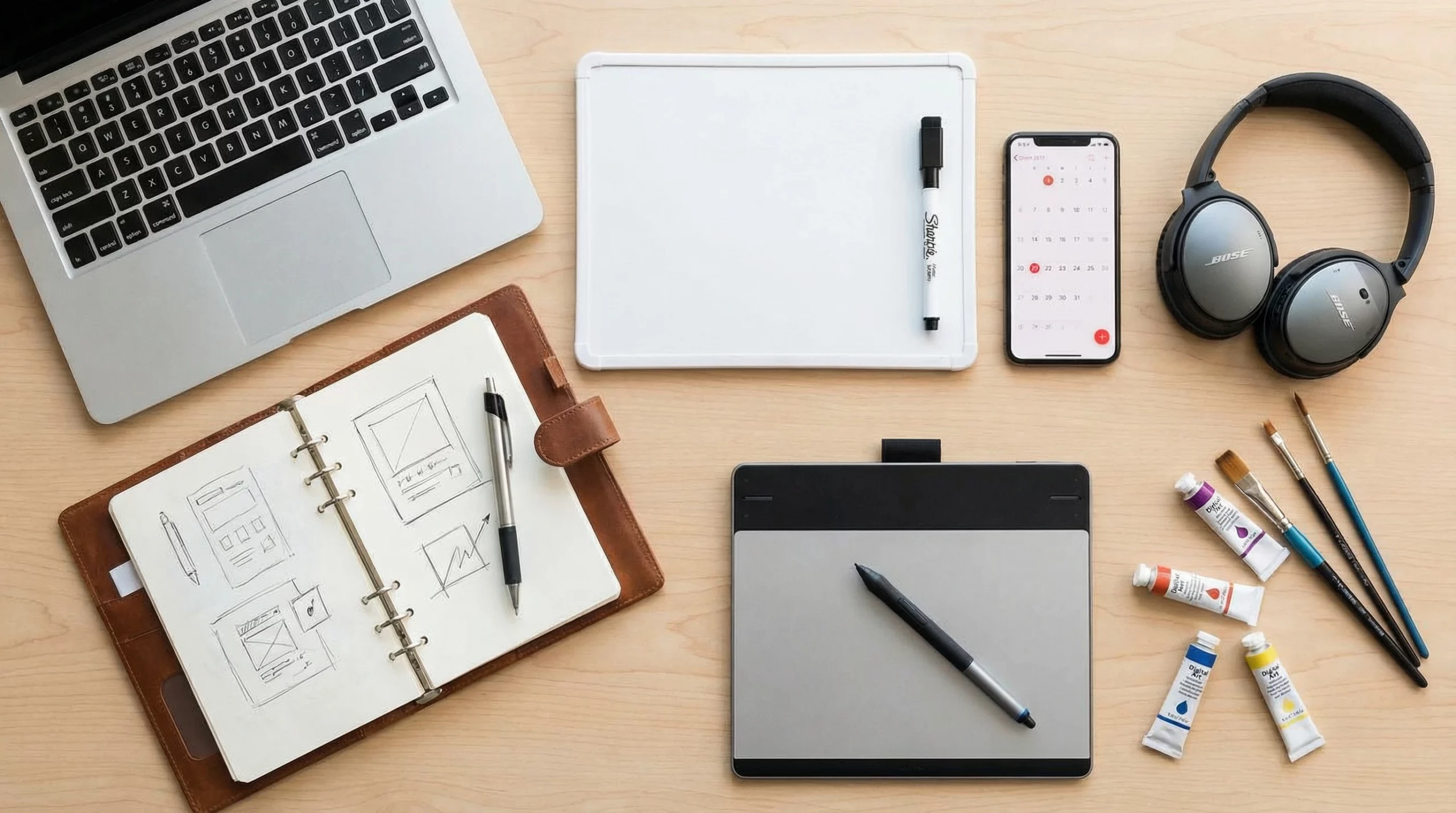
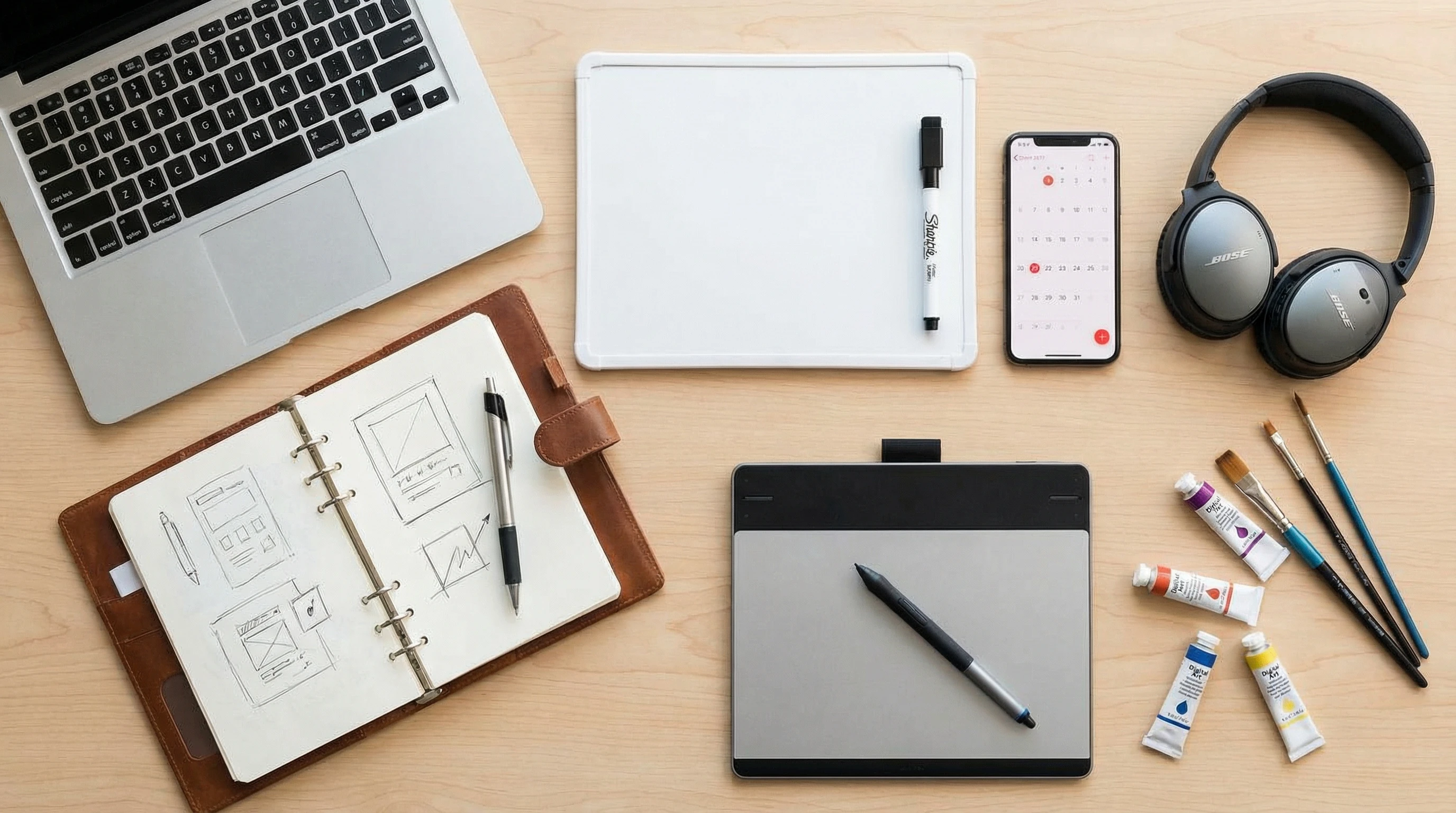
Digital solutions are great for working quickly, sharing information broadly, and automating daily tasks. On the other hand, physical items like notebooks or whiteboards unlock creative thinking and make room for brainstorming sessions when screens become too much. Bringing these together gives my workflow structure, lets me adjust on the fly, and keeps things interesting as my business evolves.
Popular platforms like Wealthy Affiliate and Whop plug me into supportive online communities and special resources. This means I’m never totally on my own, even if I work mainly from home. Writing in a notebook, jotting ideas on a whiteboard, or sketching out a product concept with pen and paper can make planning and goal-setting faster and less frustrating than clicking through dozens of browser tabs. Blending both digital and physical methods helps me be more organized and creative every week.
The 10 Essential Tools for Solopreneurs
After a lot of testing and trial and error, these ten tools have become the backbone of my own solo business. I’ve tossed in some personal tips for how to squeeze even more out of each one, along with why I keep them close by.
- Wealthy Affiliate: This all-in-one platform is my go-to whenever I need step-by-step guides, training videos, or community support for building and running websites. It’s got reliable hosting, super clear training content, and a welcoming group to ask questions about marketing, writing, and more. Any solopreneur looking to set up a digital home should check out Wealthy Affiliate. It covers websites, blogging, and affiliate marketing under one umbrella.
- Whop: Whop is a digital marketplace and membership management tool that makes it easy to sell products, run subscription programs, or start a private community. With customer management, payment handling, and analytics in one place, operations are a breeze. This leaves more brain power for brainstorming cool offers or connecting with community members. Take a look at Whop for a simple, flexible way to set up sales or member access.
- Meta Business: Facebook and Instagram both play key parts in my marketing, so Meta Business helps me schedule posts, check ad stats, and manage direct messages without app-hopping. Their analytics make it easy to spot what’s clicking with people. Meta Business is worth getting set up once you’re juggling social channels, ad campaigns, or customer support in one dashboard.
- YouTube Account: Video rocks for reaching fresh audiences. Even if I don’t feel camera-ready, uploading how-tos, business moments, or product launches helps build real connections, plus it gives people a peek at the person behind the business. YouTube’s monetization, if your viewership grows, is a fun bonus. Stay active and respond to comments whenever you can. Find tips in the YouTube Creator Academy.
- Picsart: Picsart is my pocket-sized design studio. Making banners, Instagram stories, or quick downloads is a snap with the mobile editor. There’s a stash of templates, royalty free images, and filters that make branding feel effortless—even if you’re not a pro designer. Try Picsart to level up the look of your content.
- Whiteboard and Markers: Whenever I need to brainstorm, break down complex workflows, or map out new products, my whiteboard is always nearby. Actually writing and sketching ideas sticks in my head better than typing notes. Since it’s erasable, I can pivot, tweak, or totally reset the board whenever I want. I use this for weekly planning and hashing out content ideas before going digital.
- Notebook and Pens: I find nothing matches the feeling of crossing a to-do off a real list or quickly scribbling a thought that pops up. Stepping away from my laptop to jot down ideas clears my mind and helps me focus. When I need to hang onto important notes, I snap a photo or scan the page so it’s saved digitally. This tiny habit makes sure I never miss a task or lose a cool concept in the digital shuffle.
- Royalty Free Music: Cutting through search results for music can be a pain, especially with copyright issues looming. Services like Epidemic Sound and Pixabay Music offer tons of tracks for commercial use. Adding background music gives videos and podcasts a boost, and even helps me focus while working.
- Smartphone: My phone covers everything: shooting video, taking product shots, checking sales, and chatting with customers. Paired with cloud apps, it becomes a portable office. I especially like using recording and scanning apps to grab ideas or receipts on the go, so I’m never stuck waiting to get home.
- Website Building Platform: Every solo business needs a digital headquarters. WordPress, Squarespace, and Wix are all good bets, offering easy templates, drag-and-drop building, and flexible plugins for blogging or selling products. With a strong website builder, I can match my brand and tweak things as offers grow. For a solid start, check WordPress or Squarespace.
How to Make the Most of Each Tool
Mixing software and classic tools helps me keep things balanced. Here are some quick strategies that help me stay efficient:
- Block Time for Each Task: I use a calendar app and a physical checklist every day, setting aside specific hours for things like emails, content, and brainstorming. This keeps me from getting sidetracked or bouncing between too many roles.
- Link Tools Whenever Possible: If there’s a way to link social accounts, upload phone photos straight to cloud storage, or automate publishing between platforms, I set it up. Fewer logins and repeated steps mean more time for quality work.
- Review and Upgrade Your Kit Regularly: Once a month, I look at which apps or tools are slowing me down or feeling clunky. I swap them out if they don’t fit the way I work or if something new offers a better vibe. It keeps routines fresh and keeps my business nimble.
I’ll sometimes snap shots of my whiteboard sketches with my phone and upload them for reference or to share with team members, connecting physical brainstorming to digital planning. Over time, these combinations build habits that keep my solo business on track.
FAQs Solopreneurs Often Ask About Toolkits
Many fellow solo founders worry about getting their toolkit just right. Here are a few questions that pop up the most, along with answers based on my experience:
Question: What’s the best way to stay organized when using lots of tools?
Answer: I use a mix of daily planners and digital checklists, with set work blocks for each kind of task. I also update a combined list regularly on both paper and screen, so I don’t lose track or feel overwhelmed by too many moving parts.
Question: Do I need physical tools when there are so many digital options?
Answer: Absolutely. I find that mapping things out with pen or marker can trigger better ideas and gives my mind a break from screens. Digital tools cover the heavy lifting—automation, editing, outreach—while physical ones spark creativity and help ideas stick.
Question: What if my toolkit starts to feel limited as my business grows?
Answer: Revisit your setup every few months. If a process feels clunky or you notice your needs changing, research new options. Willingness to change tools lets your business switch gears easily and helps you keep learning.
The Impact of the Right Tools on Your Solo Success
When I pulled together these resources—everything from cloud-based platforms to my favorite notebook—I noticed a major difference in how I approached projects. Launching a digital product went smoother because I used Whop to manage subscribers and Wealthy Affiliate to get my website in order, freeing me to focus on actual content and customer feedback. Adding Meta Business for scheduling, YouTube for marketing, and Picsart for quick visuals made reaching new clients feel less stressful and more fun.
In the end, having both digital and physical tools at my fingertips lets me adapt, experiment, and build momentum as a team of one. The more flexible, creative, and organized my toolkit becomes, the better I can keep up with new opportunities and push my ideas further than before. If you’re ready to set your solo business in motion, these tools can lay the foundation for your next-level cool adventures as a solopreneur.
You did a really solid job laying out essential tools every solopreneur should use — the mix of practical apps and clear explanations makes this feel like a go-to resource rather than just another tool list. I’m curious: which one of these tools has made the biggest difference in your own workflow, and how did it change the way you run your business? That personal insight could spark great engagement from readers sharing their favorites too. Overall, it’s a helpful, actionable guide that’ll make a lot of solo founders feel more equipped and confident!
Thanks a lot! I’d say the best tool I’ve gotten the most from is honestly YouTube. I liked it best when having Premium but it’s just a resource that can break down anything my solopreneuristic heart can content to. But if we’re talking purely about putting money towards a business project, it’s anything I have in my main menu for review. They’re all great!
That was a great article. Whop, Picsart and epidemic sound I had not heard of so I’ll be checking those out. I’m curious, was it the tools that made the difference in your time savings or the familiarity and workflow efficiencies that we pick up through experience? The longer we do anything the faster and more efficient we become at the task.
That’s absolutely true! I would say it’s a balance of both. Familiarity is one thing, but the actual features of the tools I discuss are time savers too because they literally replace and fill in a step that I would have to do manually. An example would be designing a picture. I could take the time to find a background and add text in likely a mediocre way, but when these programs update the software, they would (in theory) just have a single button I press or describe what I want and they’ll make it. Professionally too!
This is a thoughtful and practical breakdown of what solopreneurs really need to stay productive and creative. I especially like the emphasis on balancing digital tools with physical ones—the mix of platforms like Wealthy Affiliate, Whop, Meta Business, and Picsart alongside notebooks and whiteboards feels very realistic for solo founders juggling many roles. The personal tips make it relatable and actionable, not just a generic tools list. It’s also great how the article encourages regular reviews of your toolkit so your workflow can evolve as your business grows. When it comes to visual content and photo enhancement, many solopreneurs also explore AI-based tools and searches around options like remini app mod apk, showing how important fast, accessible editing solutions have become in modern solo workflows. Overall, this is a solid guide for anyone looking to work smarter, stay organized, and actually enjoy the solopreneur journey.